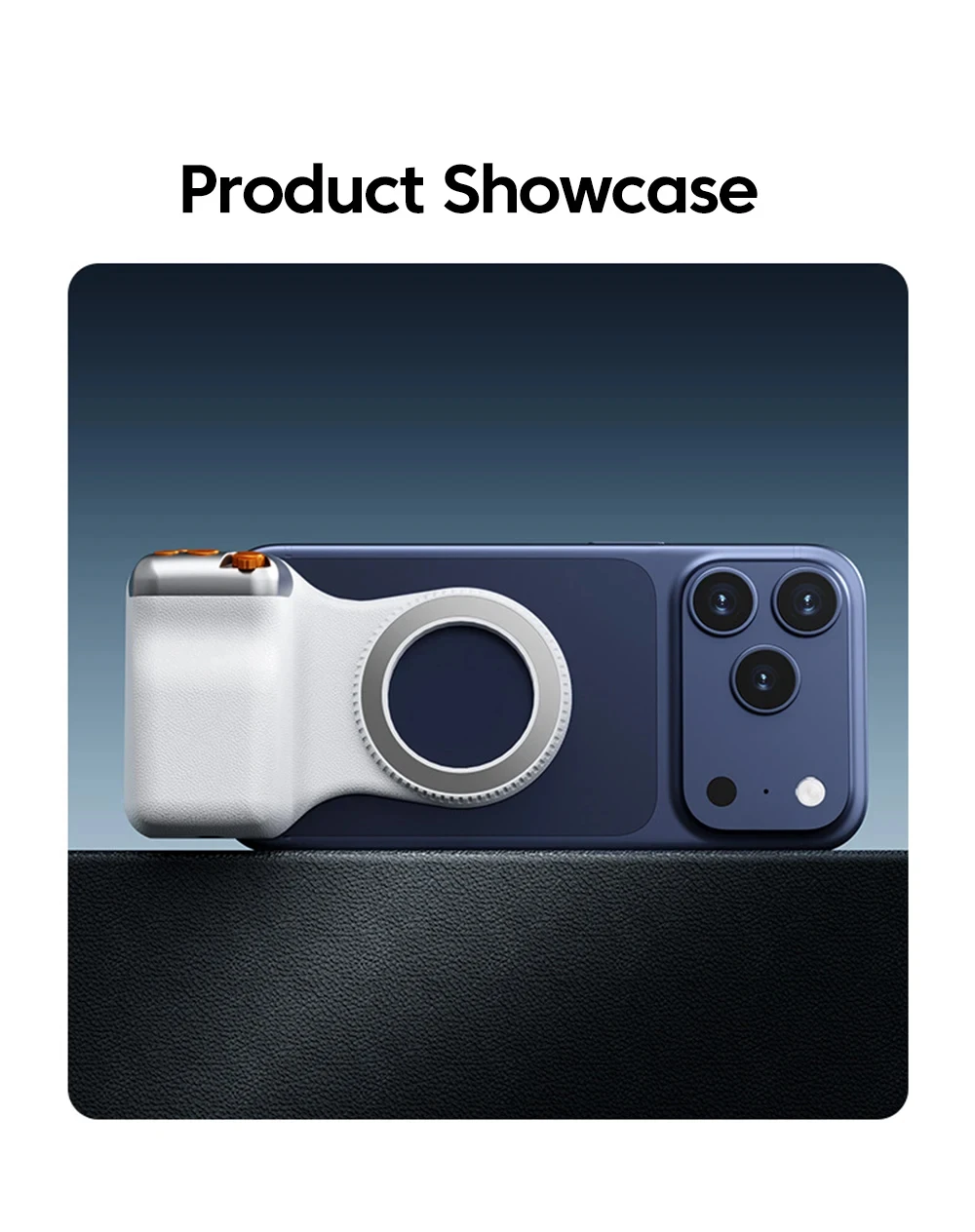
KEBIDUMEI Magnetic Phone Camera Grip Shutter Remote Control Handle Photography Hand Grip For For Smartphone Video Vlog Shooting


KEBIDUMEI Magnetic Phone Camera Grip Shutter Remote Control Handle Photography Hand Grip For For Smartphone Video Vlog Shooting
SPECIFICATIONS
Battery Capacity: 120mAh
Bluetooth Range (Meters): Within 10 meters
Brand Name: NONE
Choice: yes
Communication: Bluetooth
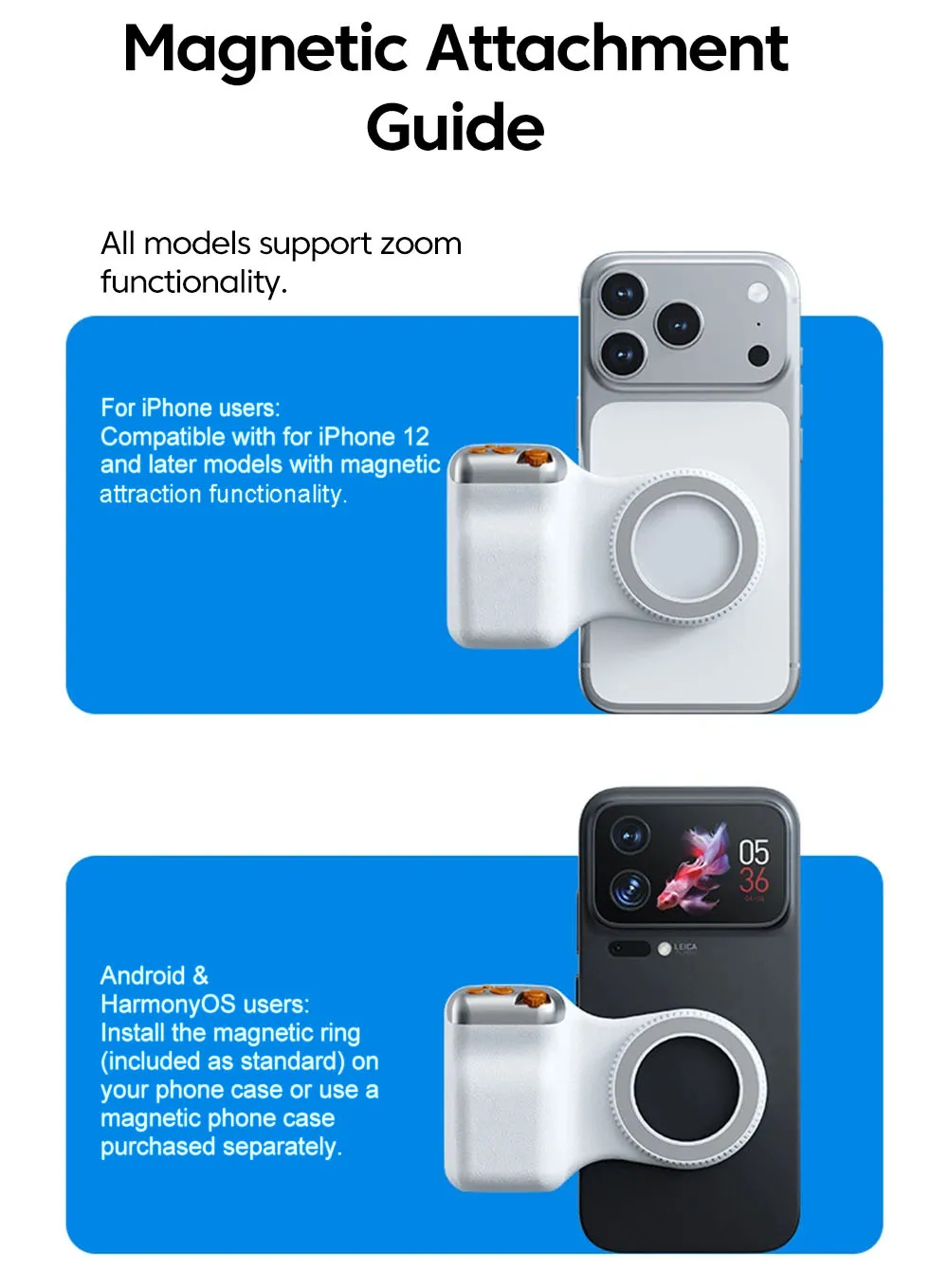
Configured for(Adaption): Smartphones
Folded Length (mm): 100
High-concerned chemical: none
Item Length: -
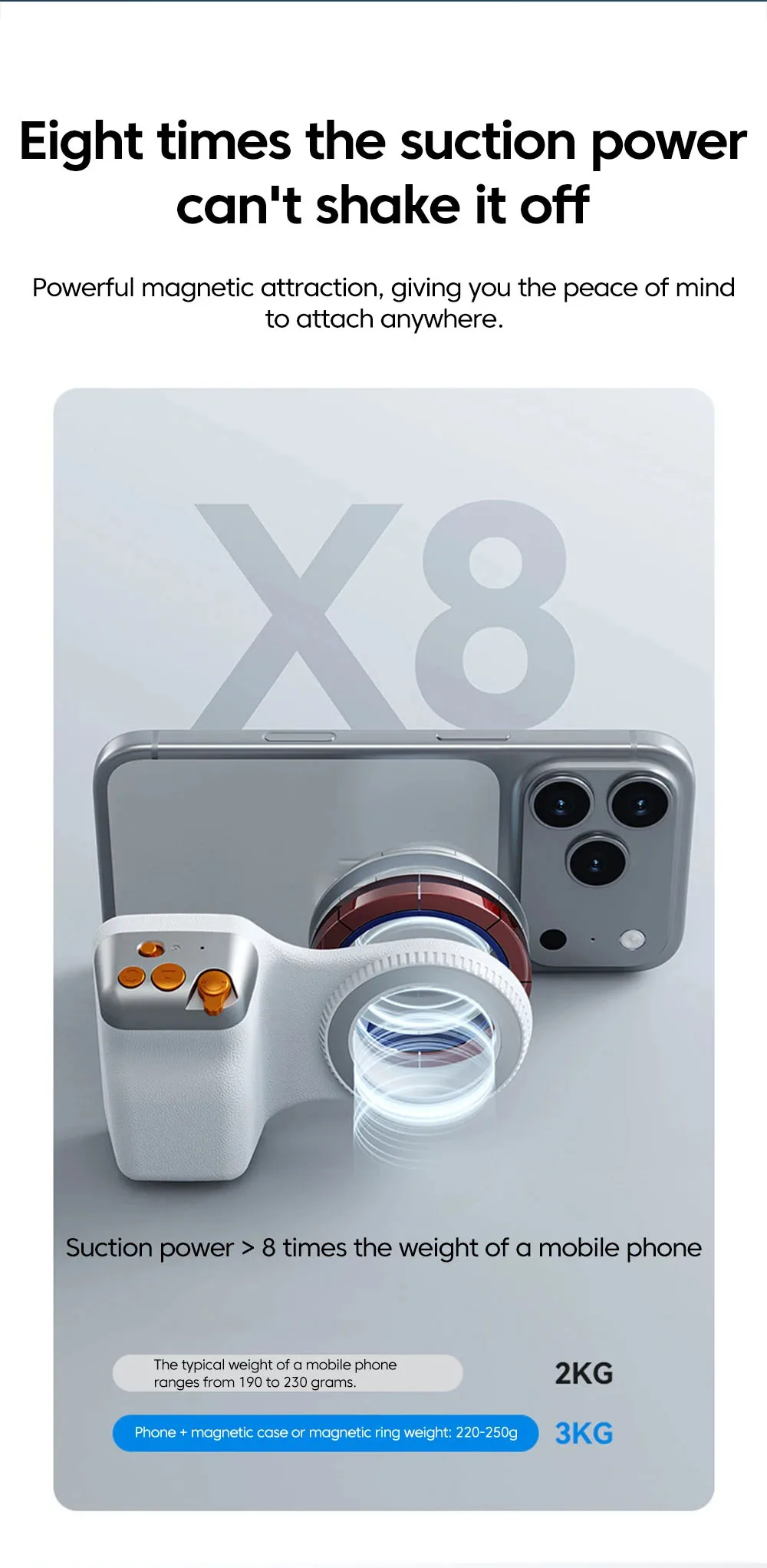
Magnetic Phone Size: Basically applicable
Material: Aluminum,PC,ABS+PC+Aluminum Alloy
Model Number: Capture Shot Aid Holder
Origin: Mainland China
Package: Yes
Support Remote Control: Yes
Description
Steps for using Bluetooth remote control
Step 1: On your phone, click "Settings" - "Bluetooth" in sequence, and turn on the Bluetooth function.
Step 2: Press the power button (for about 2 seconds) until the indicator light flashes, indicating successful power-on.
Step 3: When a Bluetooth device named "selfie" is detected on your phone, click and select pairing. The indicator light will turn off after the connection is successful.
Step 4: Open the camera app and press the capture button to take photos or videos. Press the lens switch button to flip between the front and rear cameras, and slide the button left and right to adjust the zoom of the rear camera.
Friendly reminder: If you cannot use your Apple phone normally after successful connection, please open your phone settings > Accessibility > Zoom > turn on
Product materials:
ABS+PC+aluminum alloy
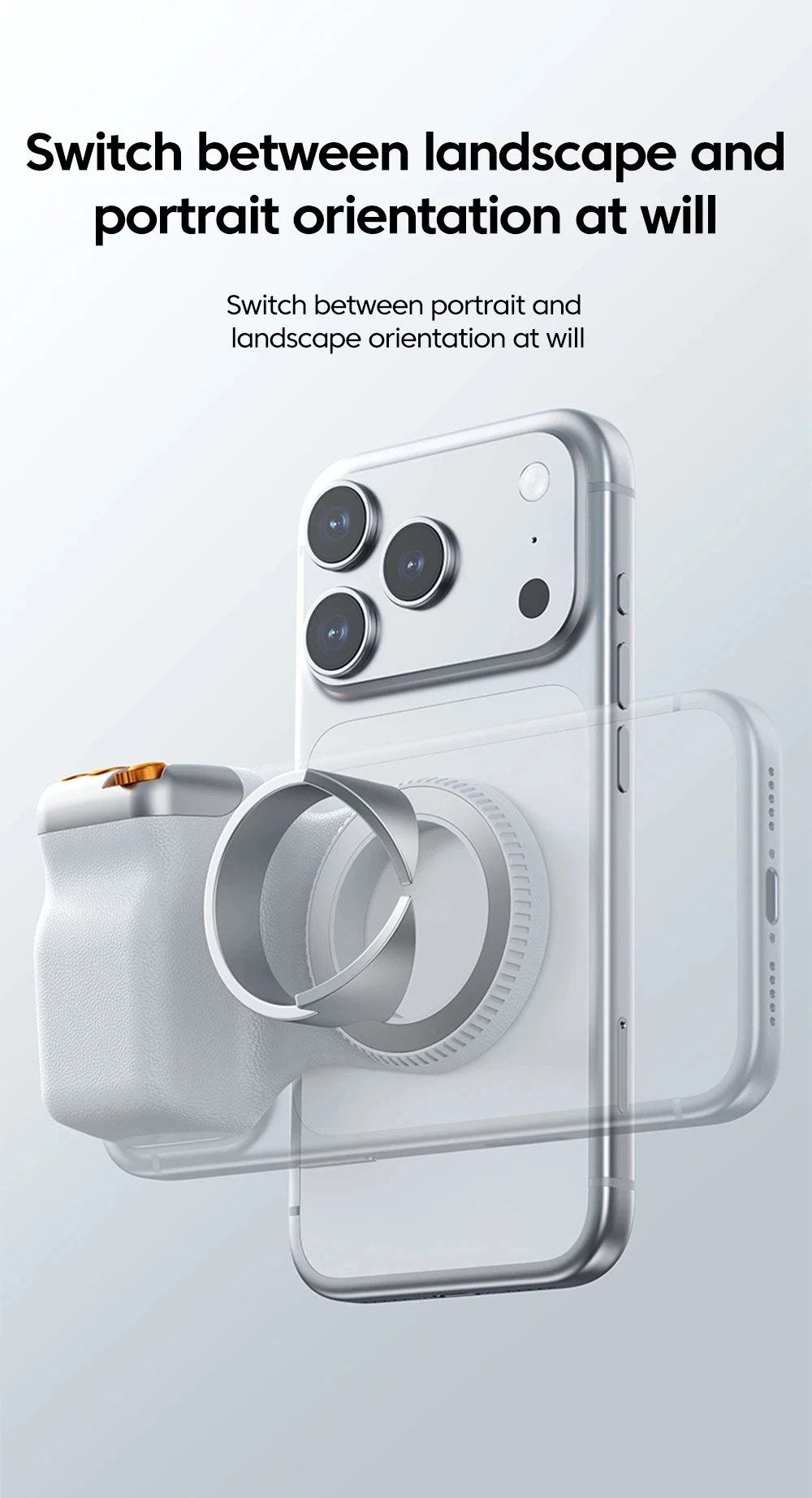
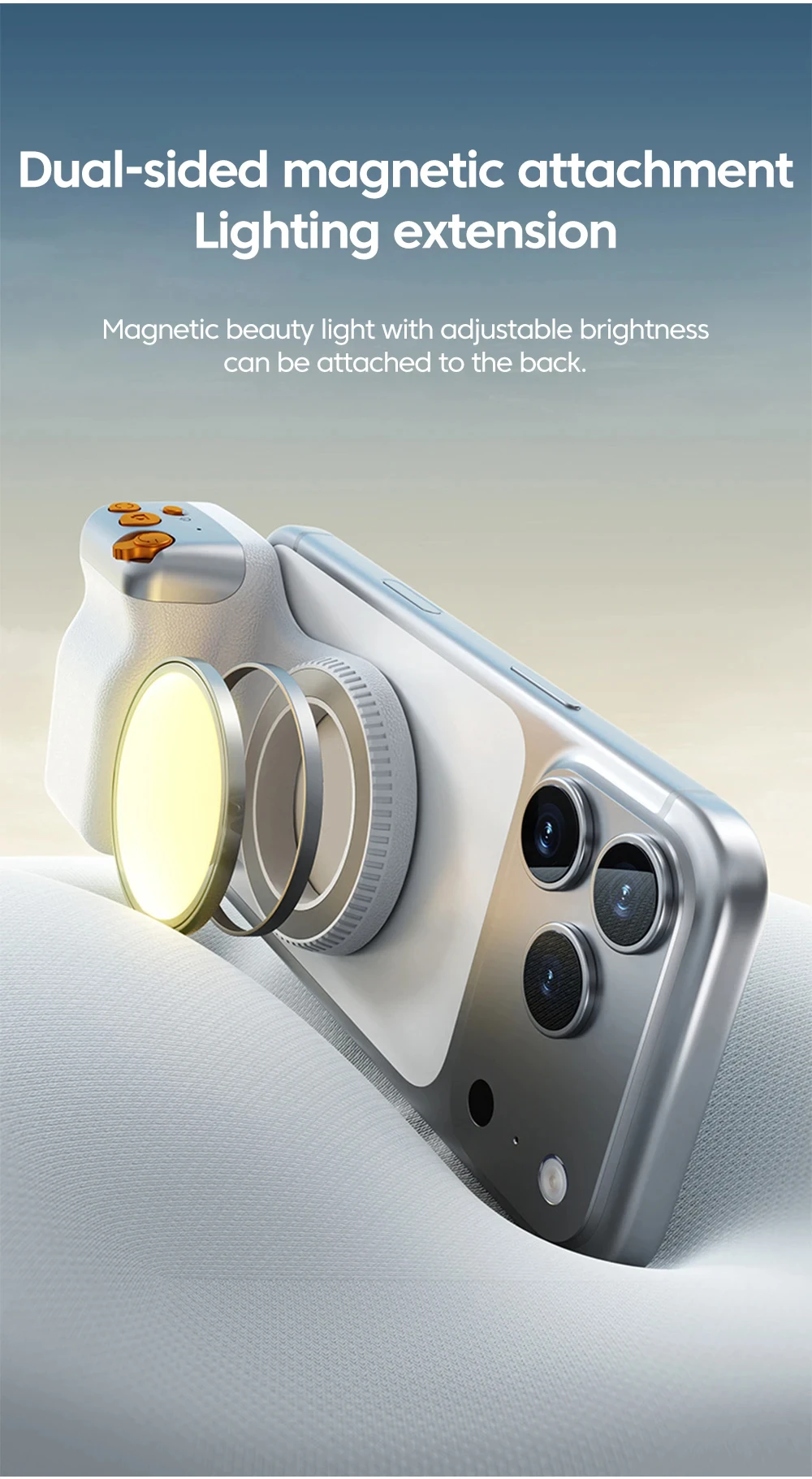
Packaging: color box + PE bag (including: camera assistant*1 + magnetic ring*1 + Chinese and English manual*1)
Magnetic phone size: basically applicable
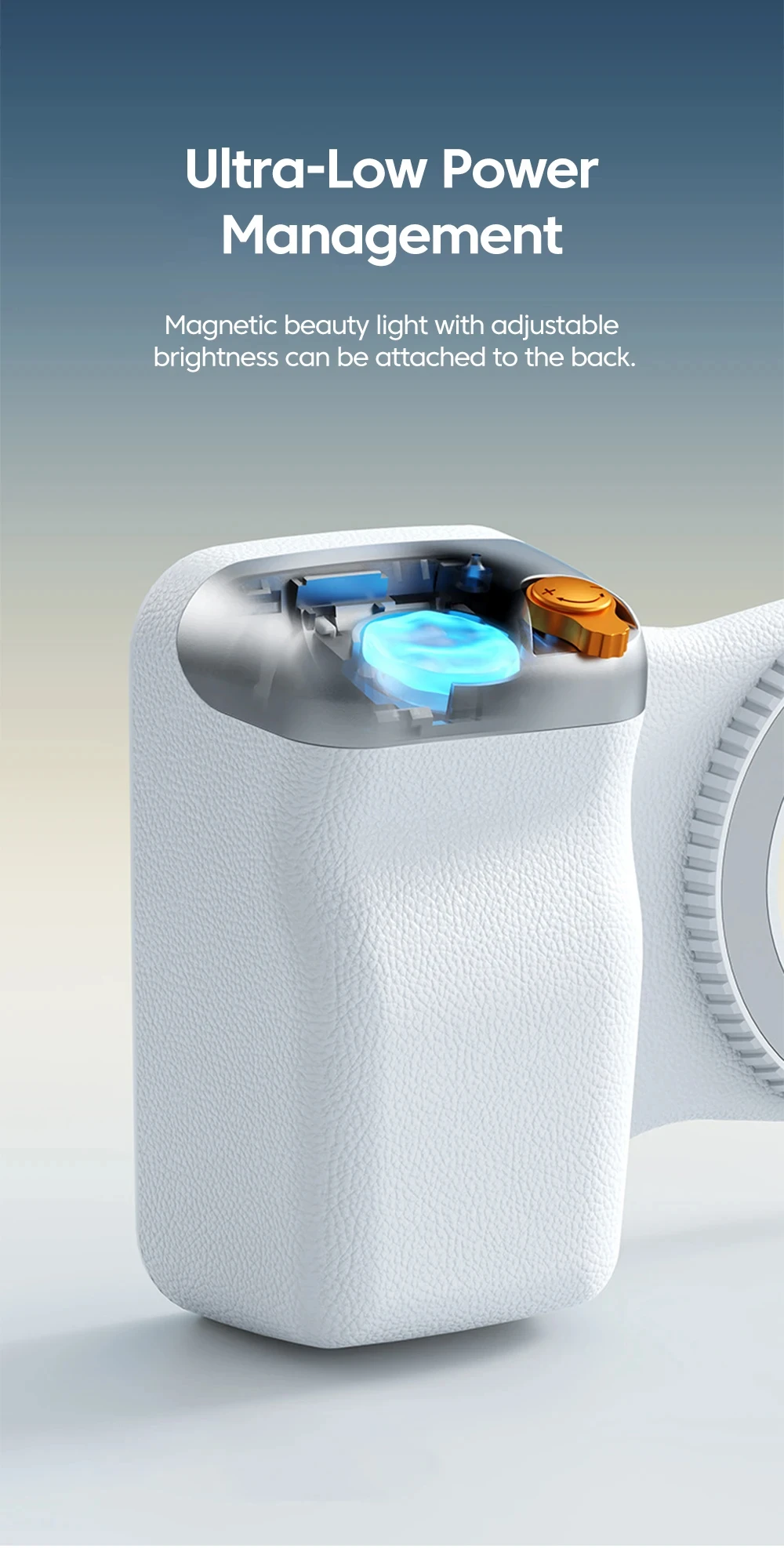
Battery capacity: 120mAh Button cell: CR1632
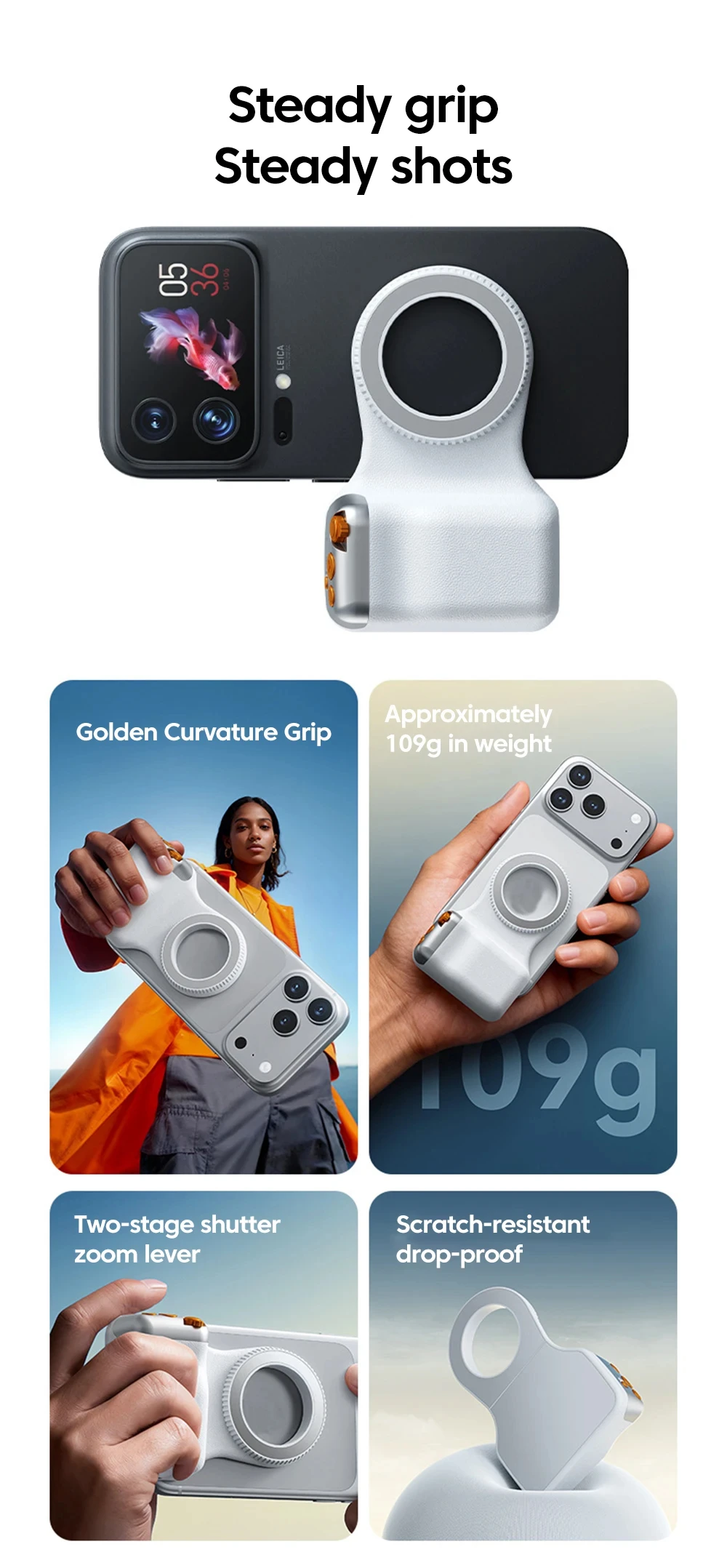
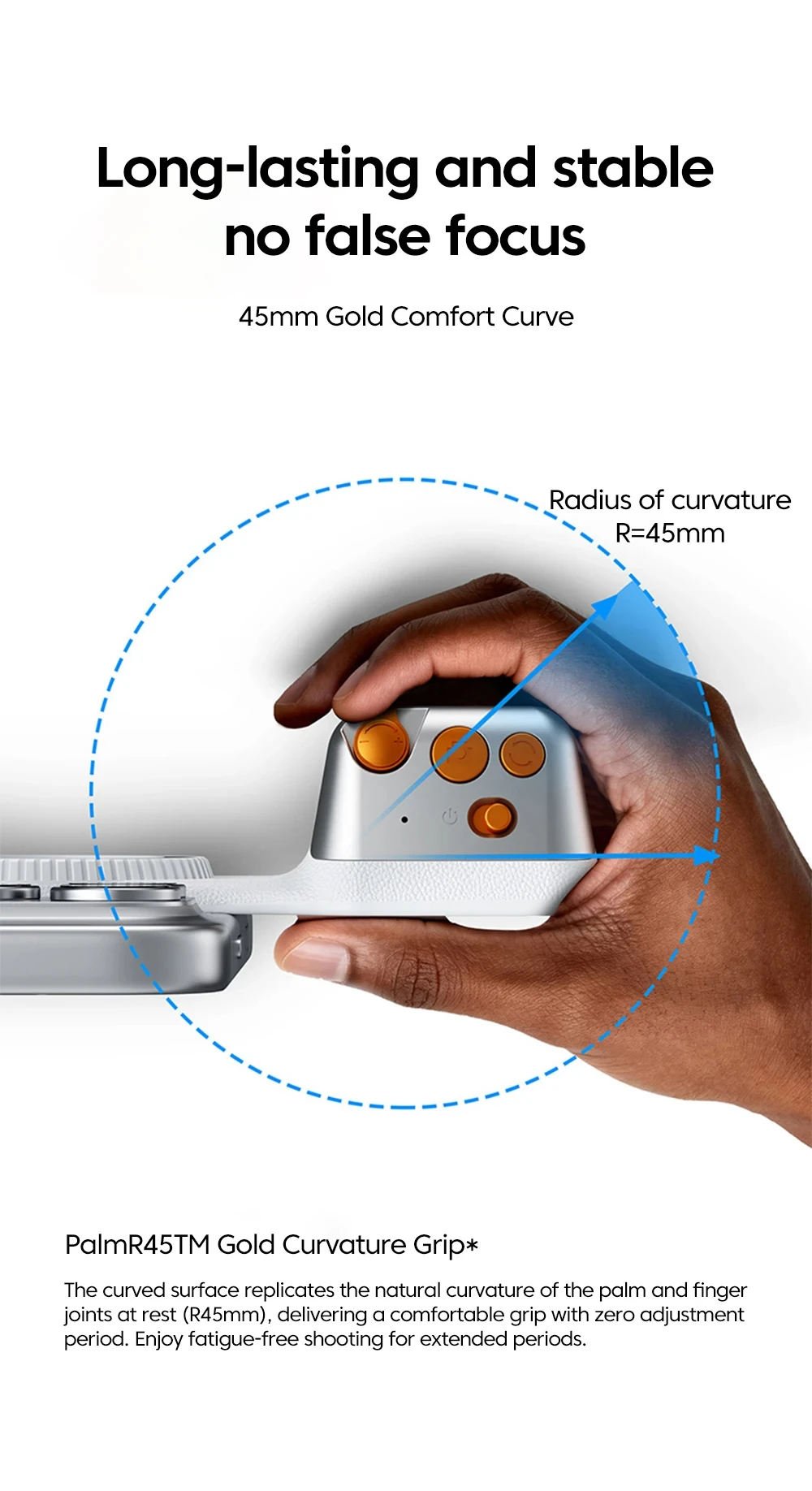
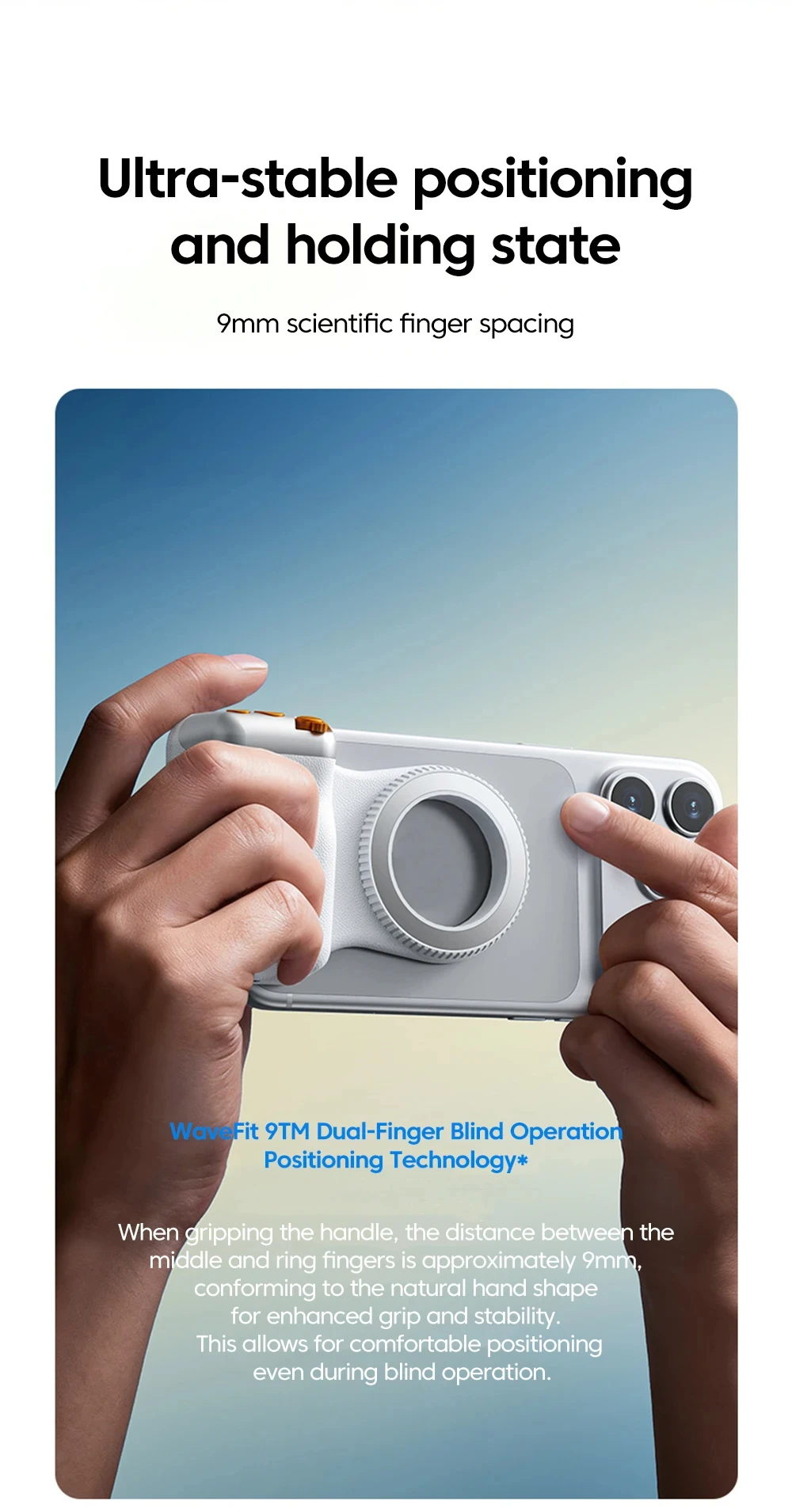
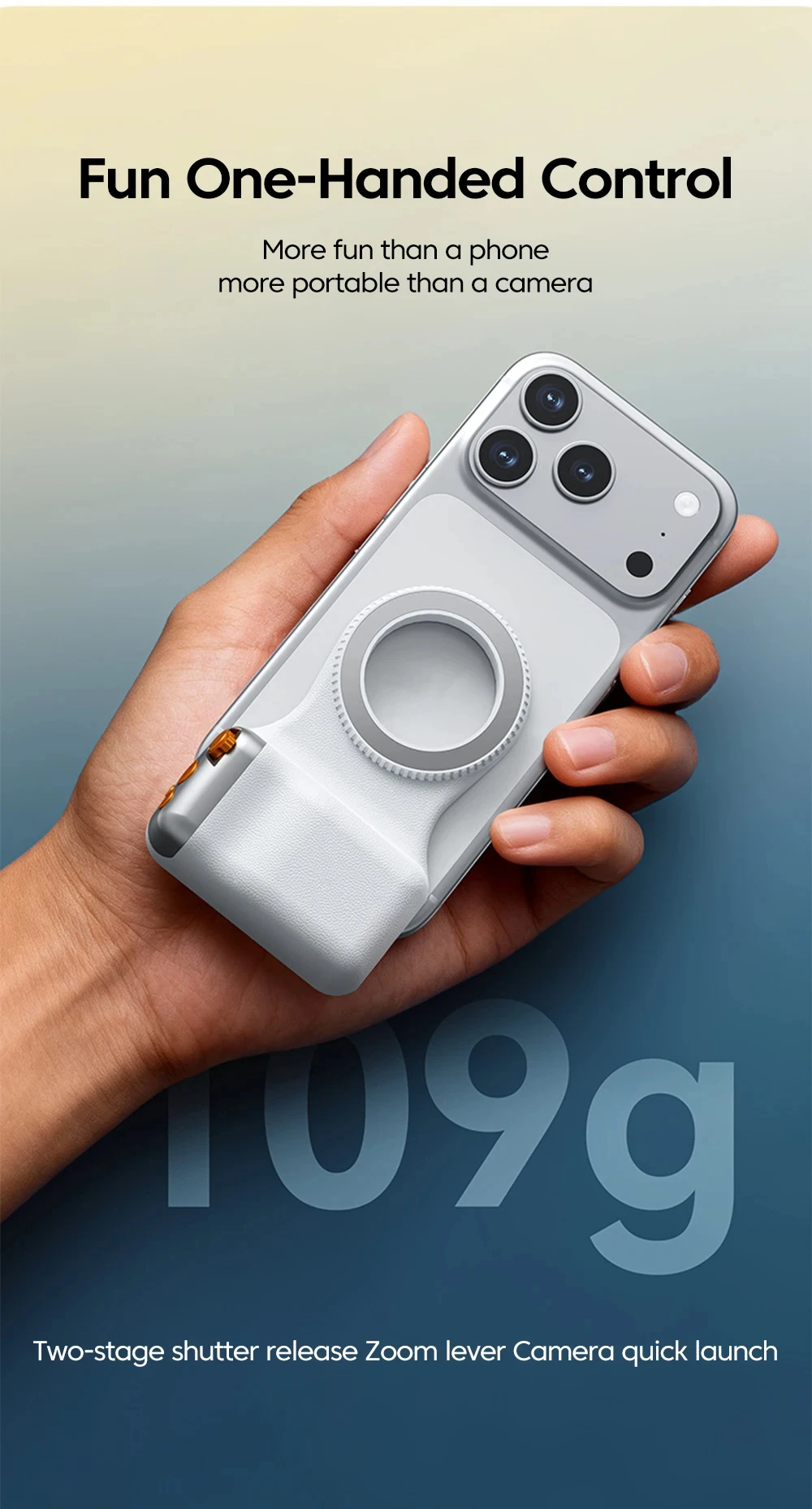
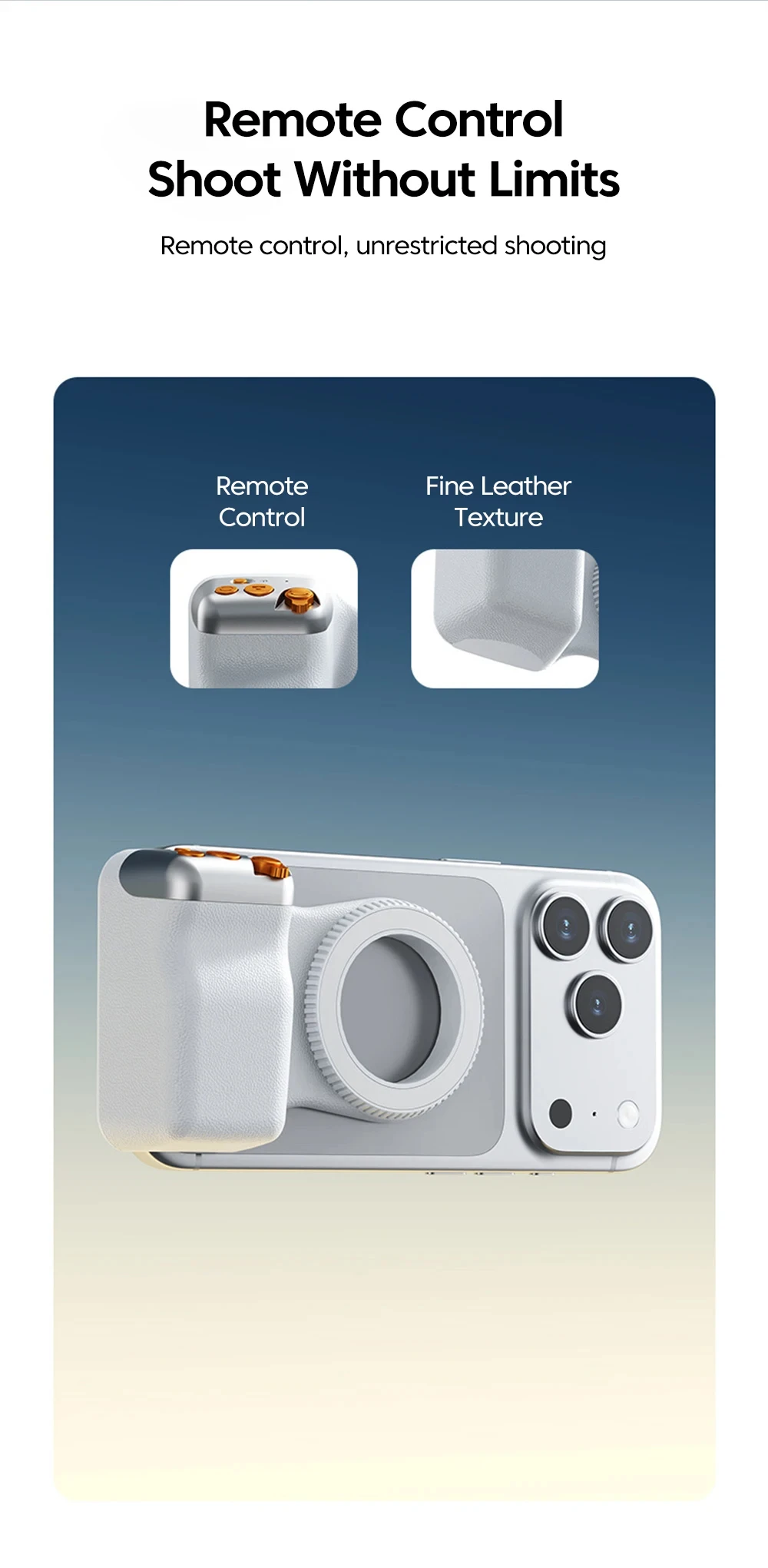
Remote control button functions: zoom toggle button, photo button, lens switching button
Bluetooth pairing name: selfie
Bluetooth range (meters): within 10 meters