AXNEN 3-Axis Handheld Gimbal Stabilizer Wireless Bluetooth Connect Stable Shooting for Mobile Smartphones live Photography Kit


AXNEN 3-Axis Handheld Gimbal Stabilizer Wireless Bluetooth Connect Stable Shooting for Mobile Smartphones live Photography Kit
SPECIFICATIONS
App Setting: No
Battery Included: Yes
Brand Name: axnen
Camera Integration: No
Category: Handheld Gimbals
Certification: CE,FCC,RoHS
Charging for Mobile Device: No
Choice: yes
Communication: Bluetooth
Configured For: Smartphones
Feature 1: FPV Mode
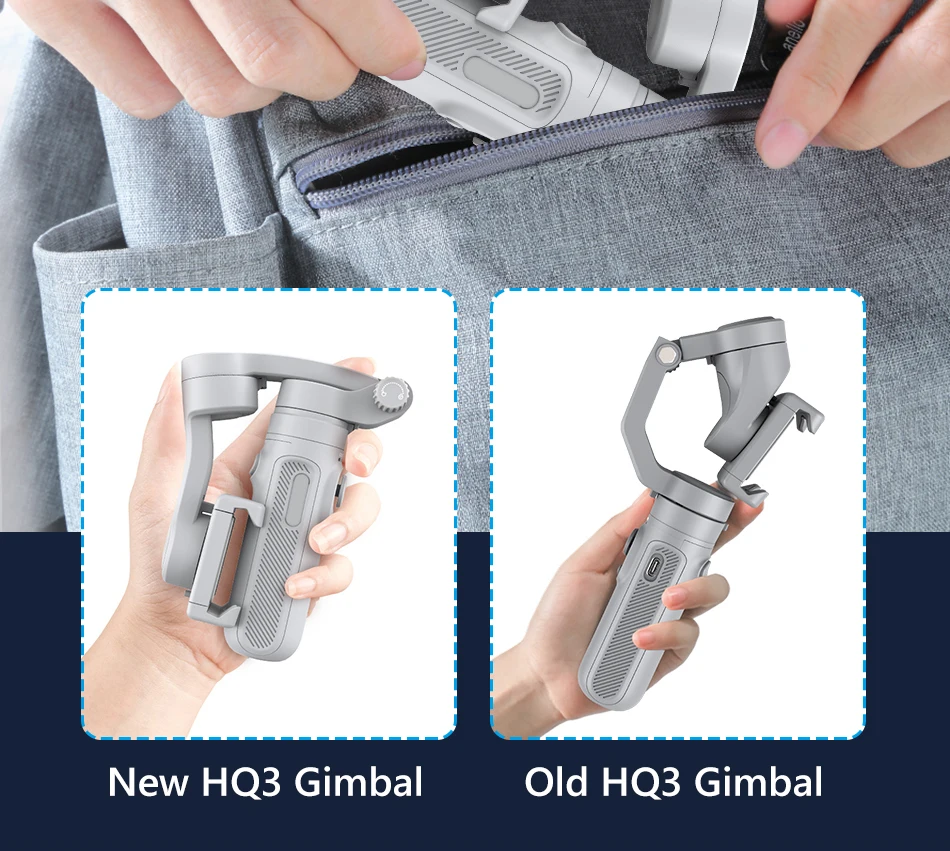
Feature 2: Small and portable
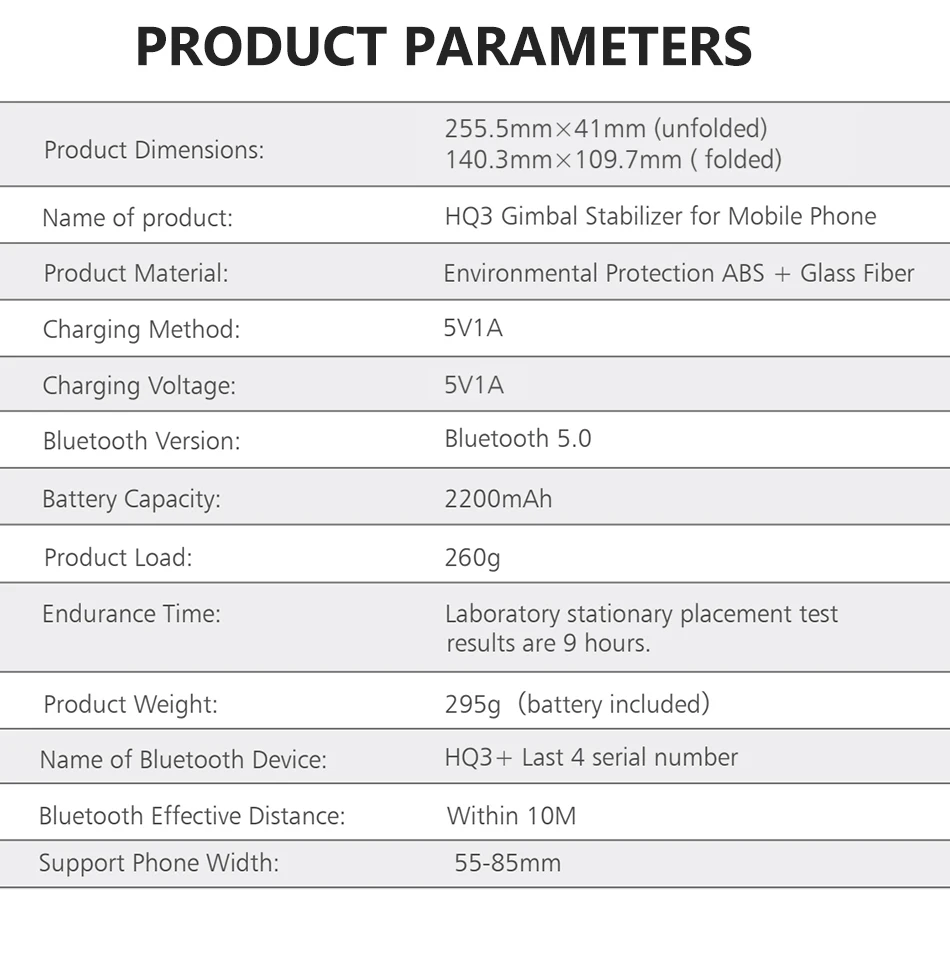
Feature 3: Product Dimensions:255.5mmx41mm(unfolded) 140.3mmx109.7mm( folded)
Feature 4: Endurance Time: Laboratory stationary placement test results are 9 hours.
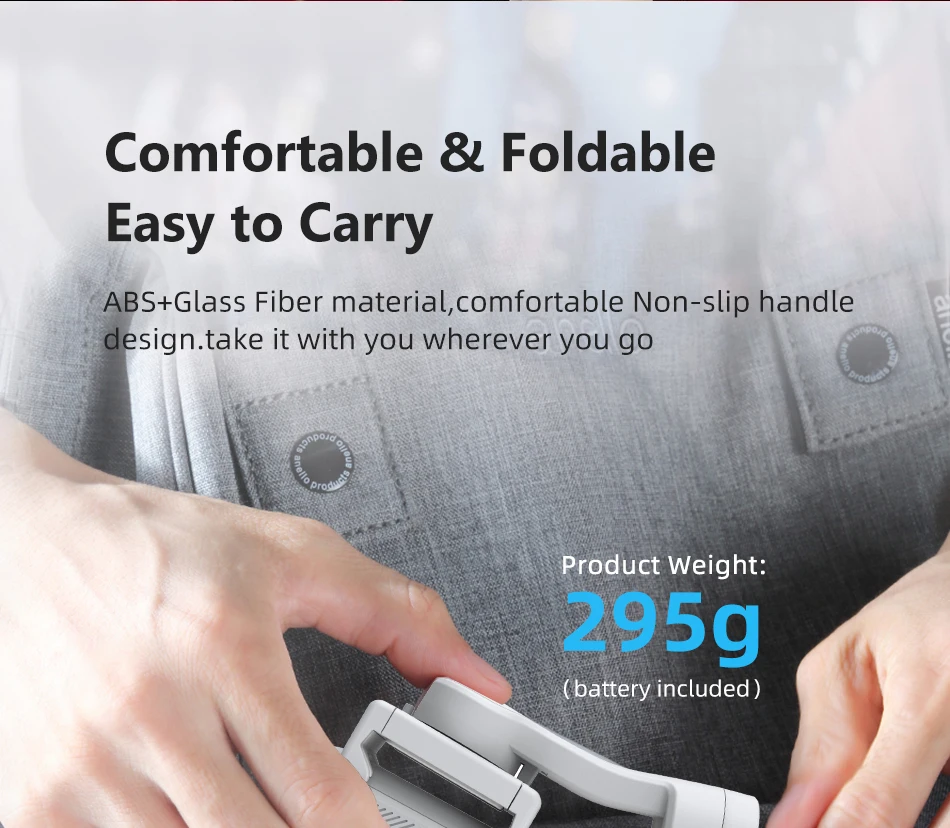
Feature 5: Product Weight: 295g (battery included)
High-concerned chemical: none
Material: ABS+Glass Fiber
Max Controllable Speed: 320
Origin: Mainland China
Package: Yes
Panning Angle: 320
Rolling Angle: 320
Size: 219*42*99 mm(folded)
Special attention 1: Please install the phone and center it before you turn on gimbal, or gimbal motor will shaking
Special attention 2: Please do not turn on gimbal before install phone
Support Remote Control: Yes
Supported Mobile Device Max Size: 6.4inch
Titling Angle: 320
Type: handheld gimbal
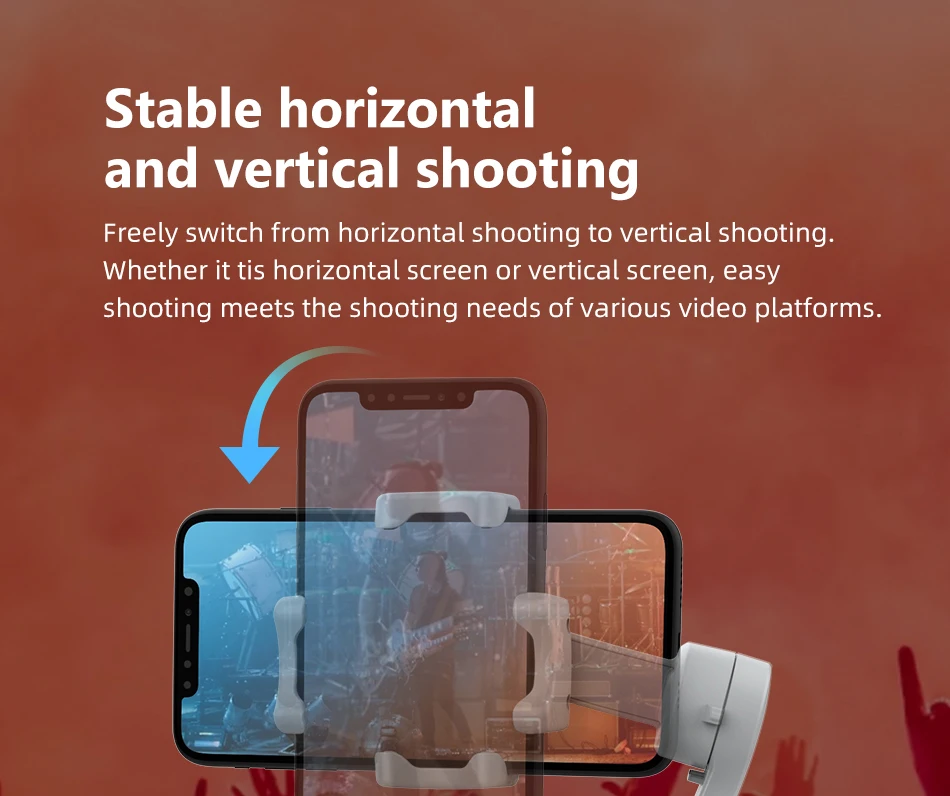
Vertical Shooting: Yes
Weight (g): 295g(included battery)
of Axes: 3-Axis
Answers to questions about the use of AXNEN HQ3:
1. Why does my HQ3 keep shaking or vibrating? And with the electric current sound?
--Before turning on the HQ3 Gimbal, the mobile phone must be placed in the middle (if turning on the HQ3 without the mobile phone or without phone in centering will cause abnormal vibration or shaking of the HQ3).
2. Why does my HQ3 work, but it won't charge?
--Please use the USB cable configured by us to charge the HQ3, or use the cable which USB-A cable at one end and the TYPE-C at the other end. However, cables with TYPE-C at both ends cannot be used. Cables with TYPE-C at both ends cannot be used.
3. Why my HQ3 can only light up the FPV light but can not be turned on?
--If your HQ3 gimbal can only light up FPV light, but can not turn on, please contact our customer service directly to help you solve.
4. Why does the joystick suddenly not work during the use of my HQ3?
--The Gimbal has a limit angle. When HQ3 is manipulated to move to the limit angle position, the head will automatically turn on the self-protection in order to protect the internal current (usually manifested as no matter how to manipulate the joystick, the head will not turn), first of all, this is the normal machine self-protection phenomenon. Usually occurs in the following situation: the gimbal tilted forward 30 degrees and the phone lens up or down to the angle of 30 degrees. When this happens, you can restore the mobile state by the following way: take HQ3 right, let HQ3 not in the tilt state,
and then shake the phone slightly with your hand.
Note: HQ3 does not support APP. Only Bluetooth-compatible!
Product Description for HQ3 Gimbal Stabilizer
1. your ultimate solution for achieving smooth and professional-quality footage with ease. Designed for those who demand excellence, the HQ3 combines a ''small size''with''big functionality'', making it the perfect companion for on-the-go videographers and content creators.
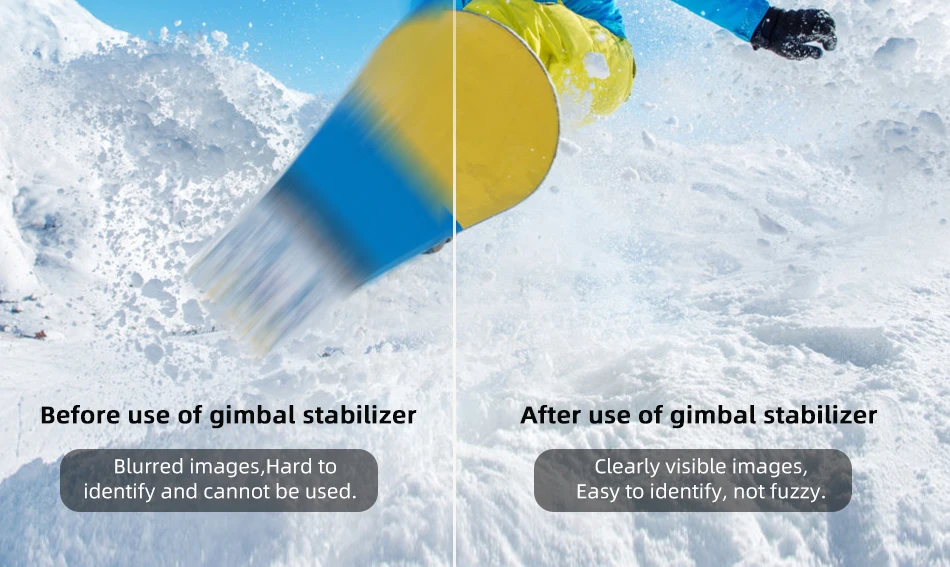
2. Say goodbye to shaky footage and handheld imperfections. With the HQ3, you'll experience ''no fear of hand shaking'', thanks to its advanced stabilization technology that ensures your video remains steady, even in the most dynamic environments.
3. Equipped with ''One Key Operation'', the HQ3 allows you to focus more on your creative vision and less on complicated setups.
4. Experience the future of stabilization with the ''HQ3 Gimbal Stabilizer''—compact, reliable, and easy to use. Get ready to take your videography to the next level!
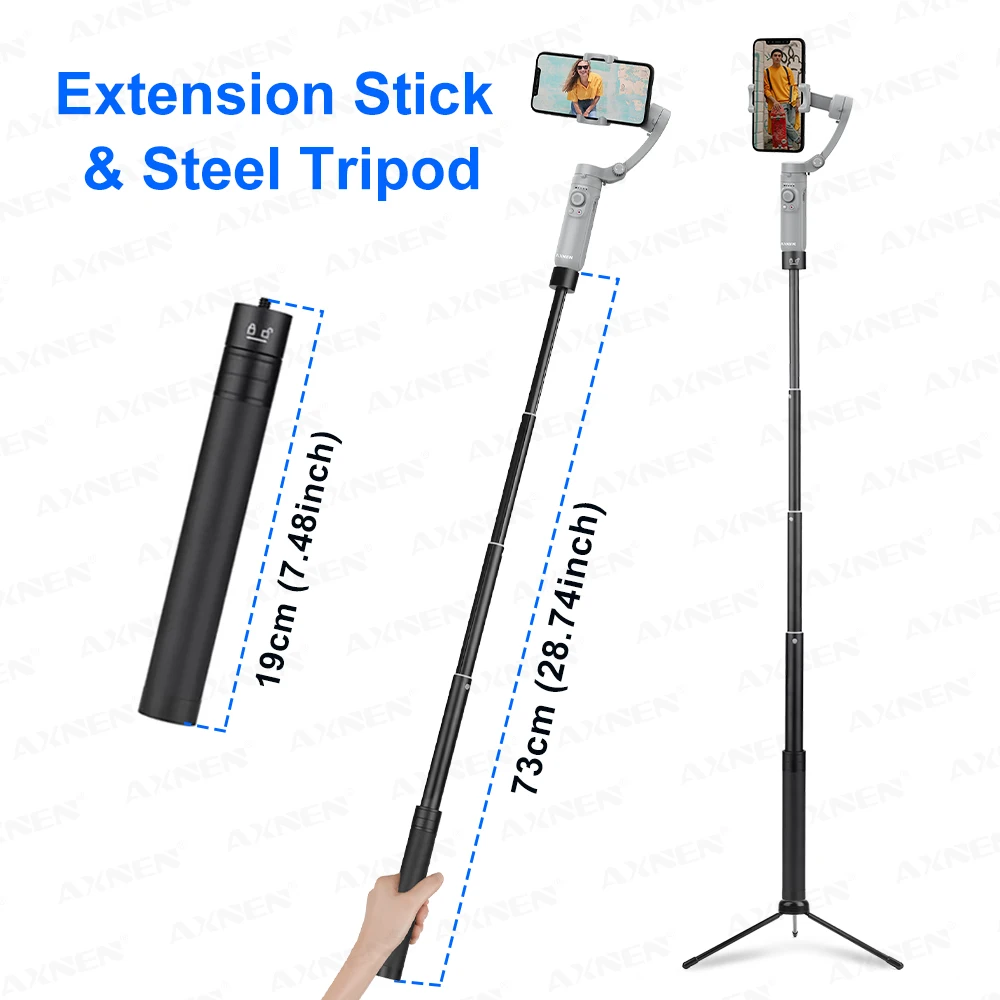
Extension Stick & Steel Tripod(Optional)
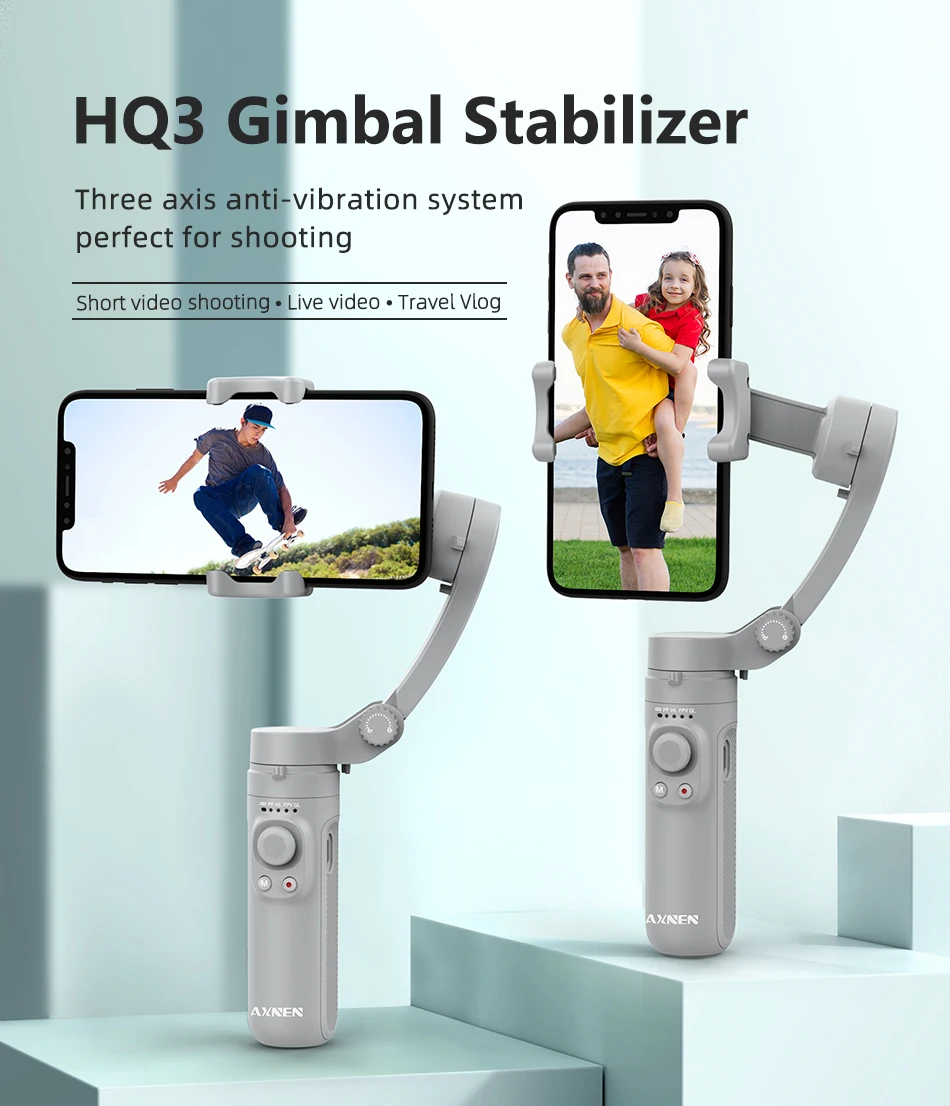
HQ3 Gimbal Stabilizer
Three axis anti-vibration system perfect for shooting
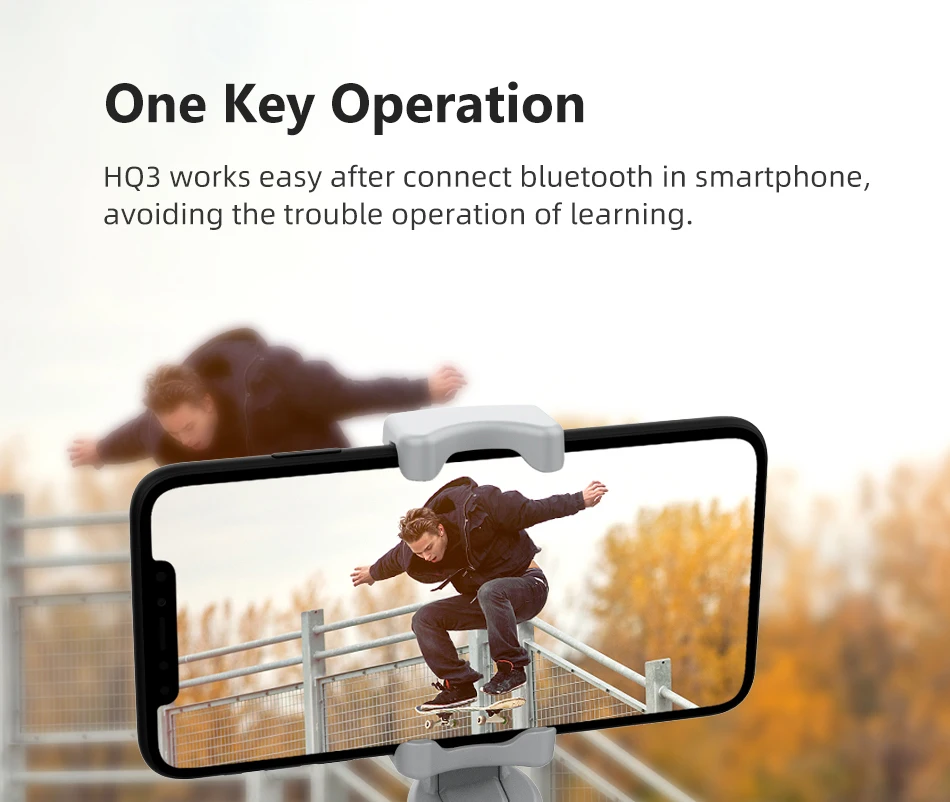
One Key Operation
HQ3 works easy after connect bluetooth in smartphone.avoiding the trouble operation of learning.
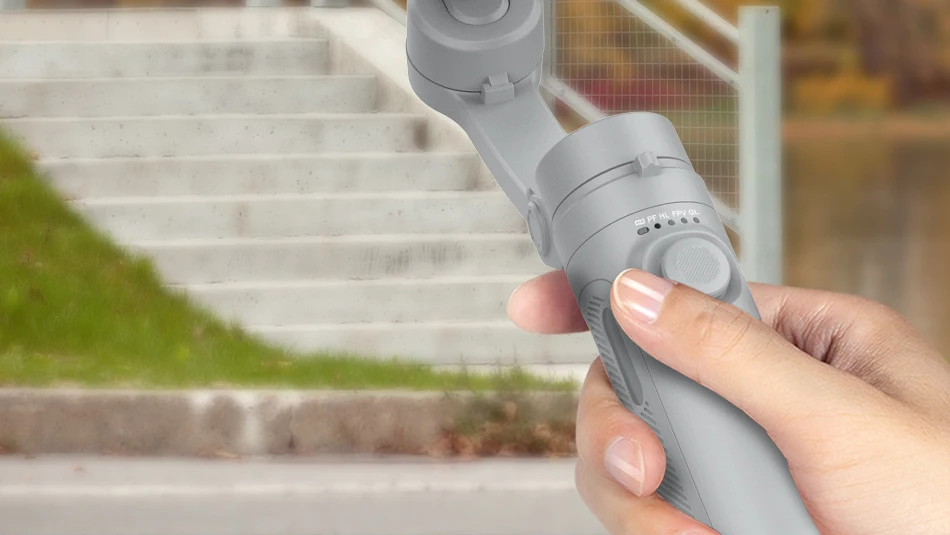
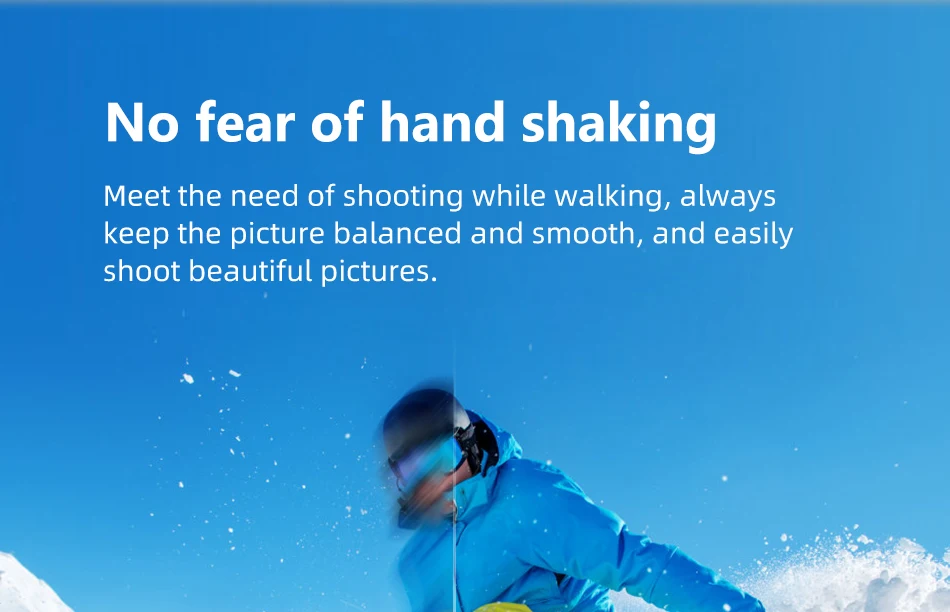
No fear of hand shaking
Meet the need of shooting while walking, always keep the picture balanced and smooth, and easily shoot beautiful
pictures.
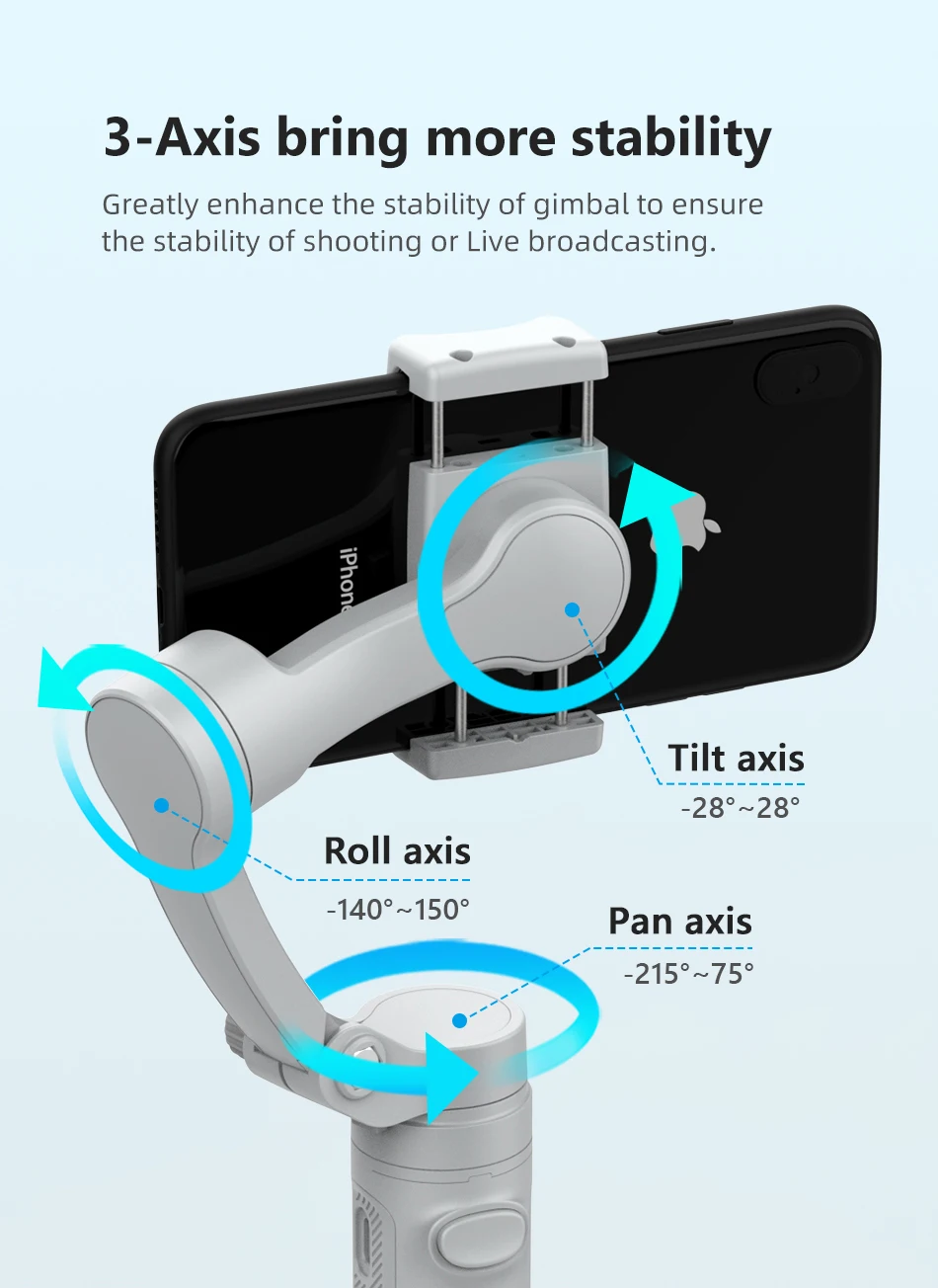
3-Axis bring more stability
Greatly enhance the stability of gimbal to ensure the stability of shooting or Live broadcasting.
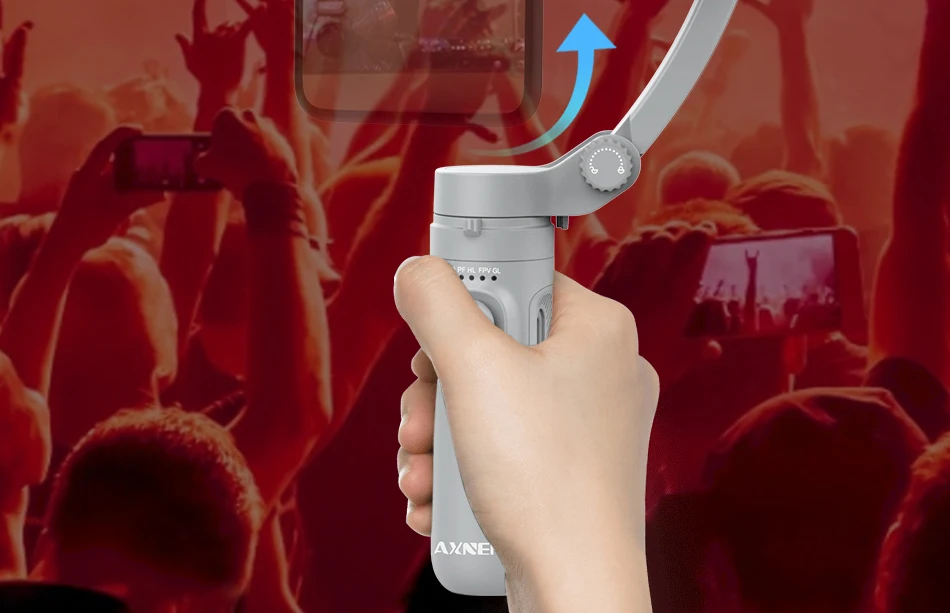
Stable horizontal and vertical shooting
Freely switch from horizontal shooting to vertical shooting Whether it tis horizontal screen or vertical screen, easy
shooting meets the shooting needs of various video platforms
Comfortable & Foldable Easy to Carry
ABS+Glass Fiber material,comfortable Non-slip handle design.take it with you wherever you go
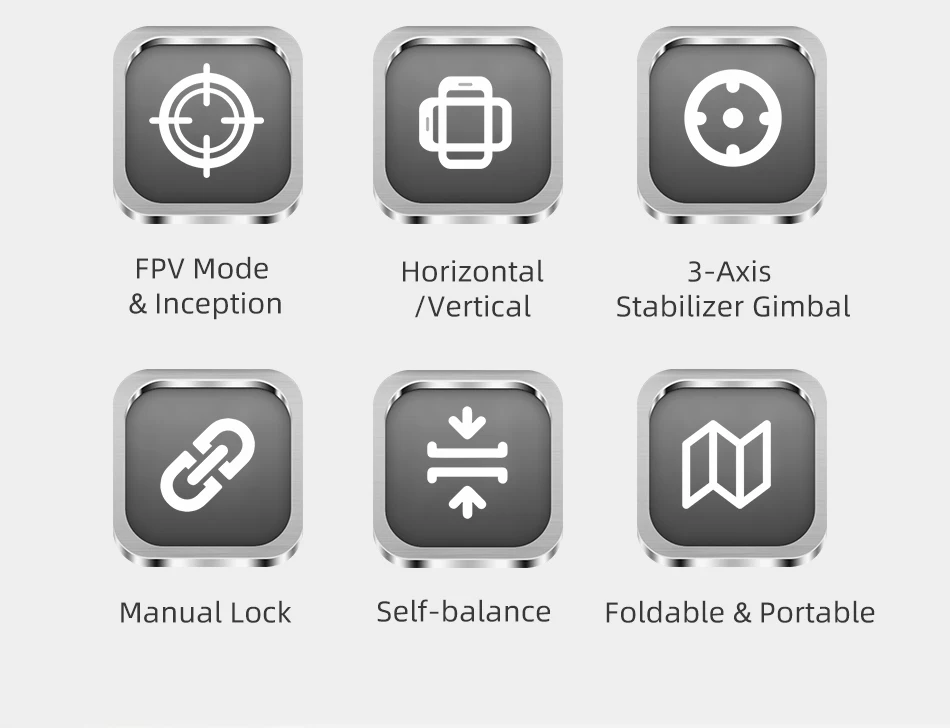
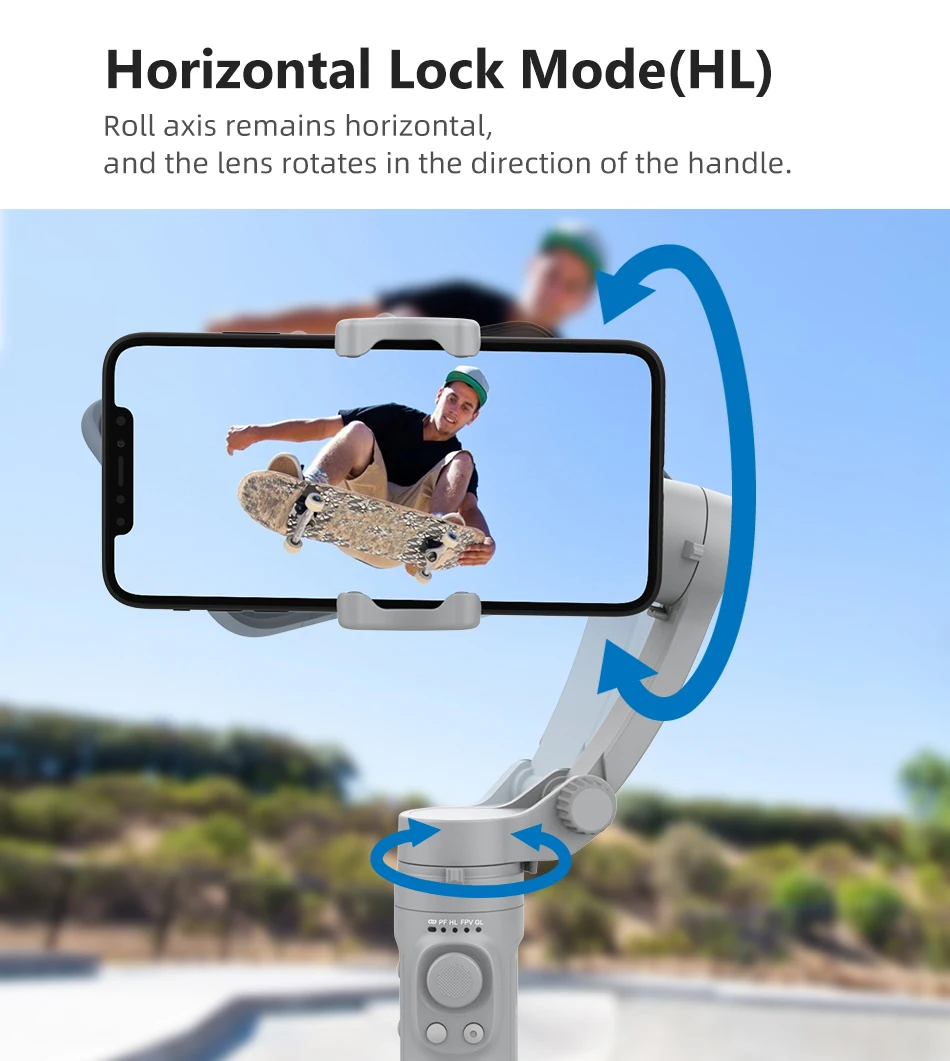
Horizontal Lock Mode(HL)
Roll axis remains horizontal, and the lens rotates in the direction of the handle
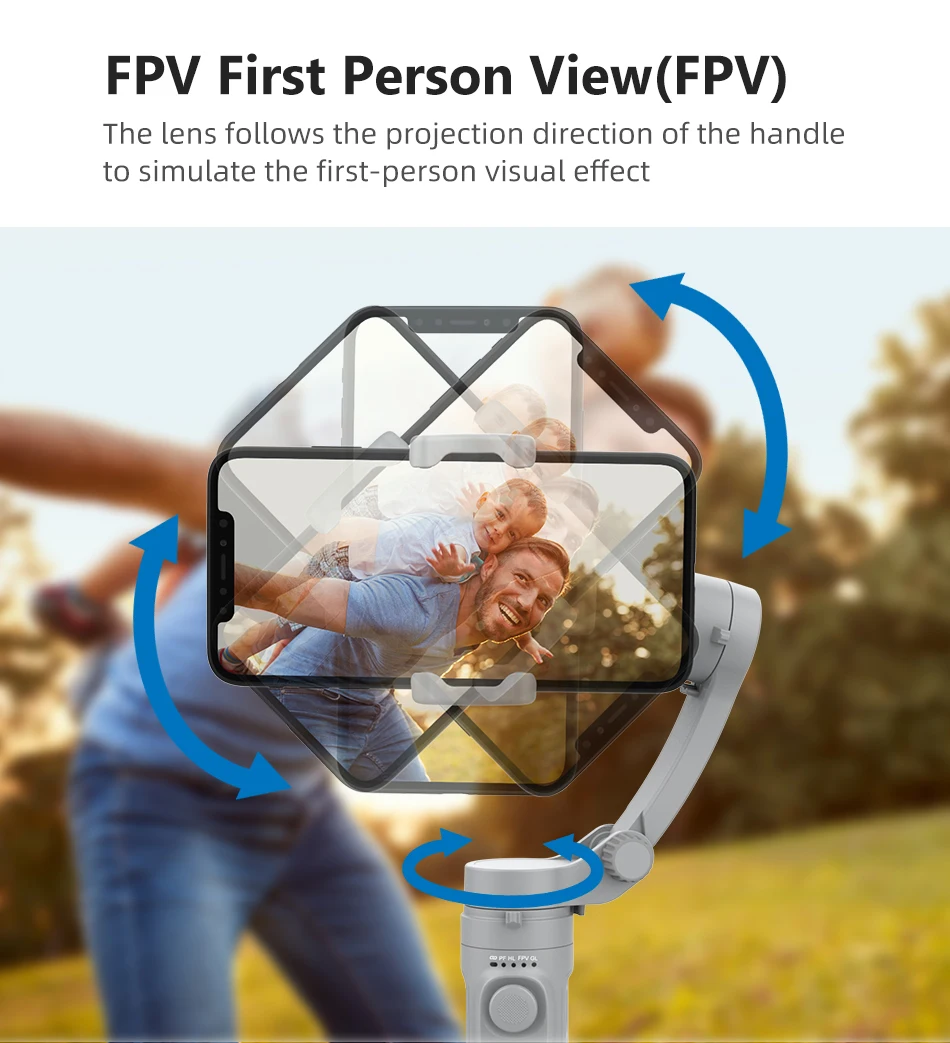
FPV First Person View(FPV)
The lens follows the projection direction of the handle to simulate the first-person visual effect
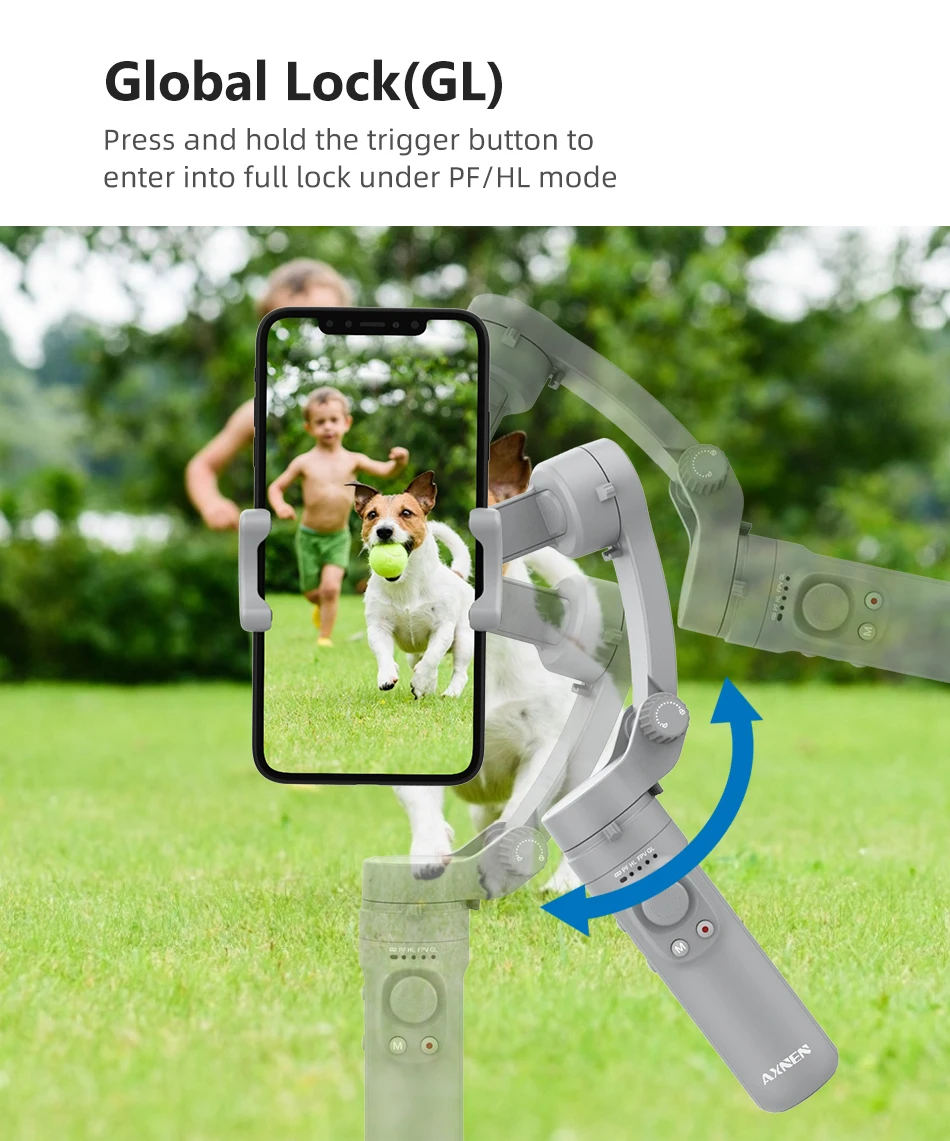
Global Lock(GL)
Press and hold the trigger button to enterinto full lock under PF/HL mode
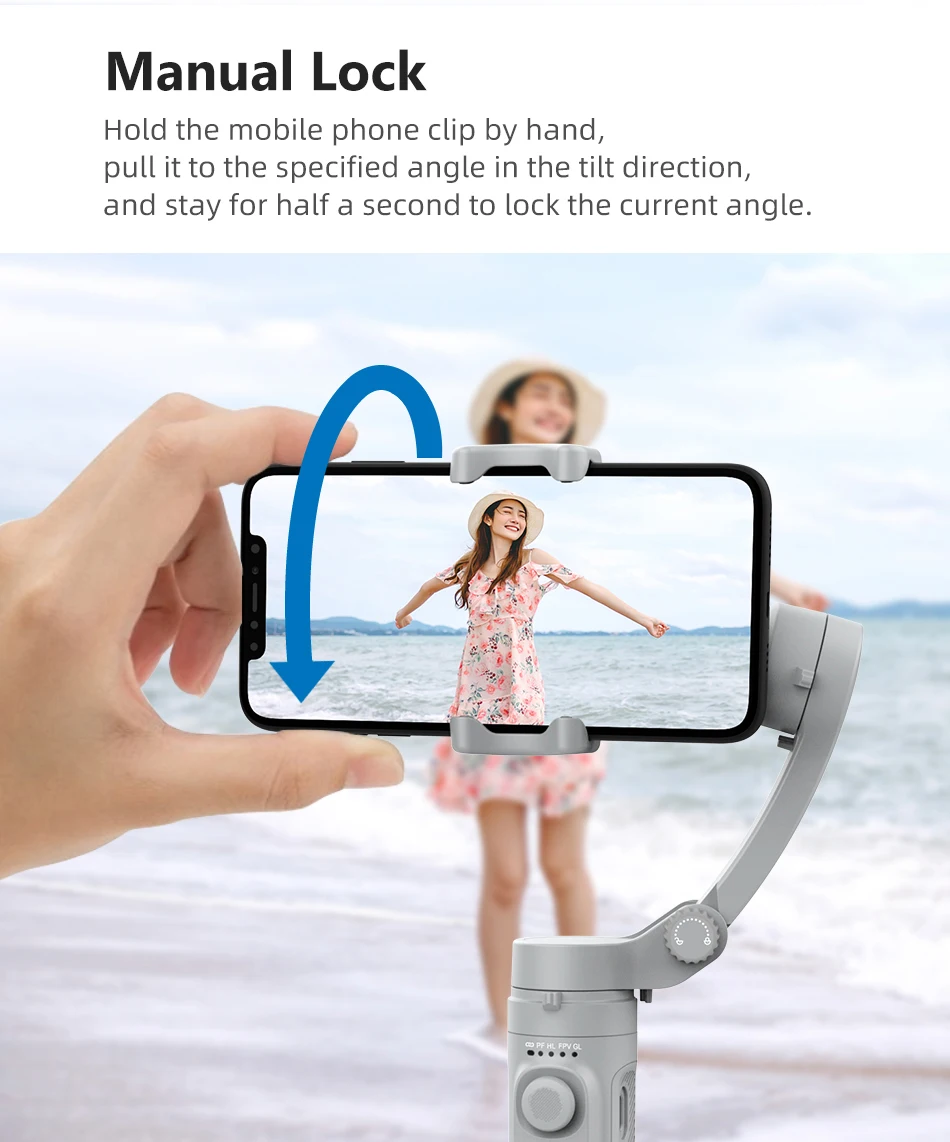
Manual Lock
Hold the mobile phone clip by hand, pull it to the specified angle in the tilt direction,and stay for half a second to lock
the current angle
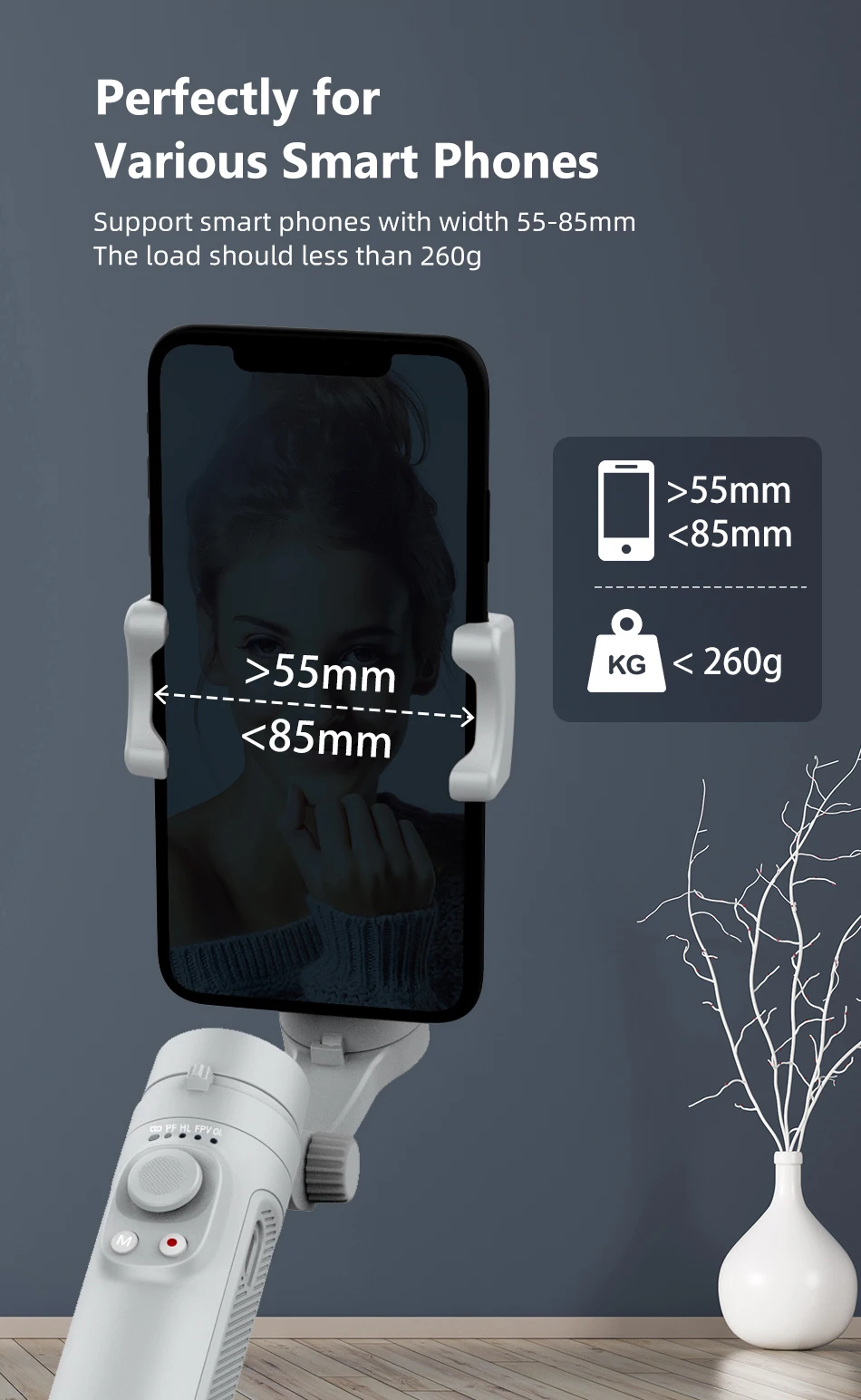
Perfectly for Various Smart Phones
Support smart phones with width 55-85mm The load should less than 260g
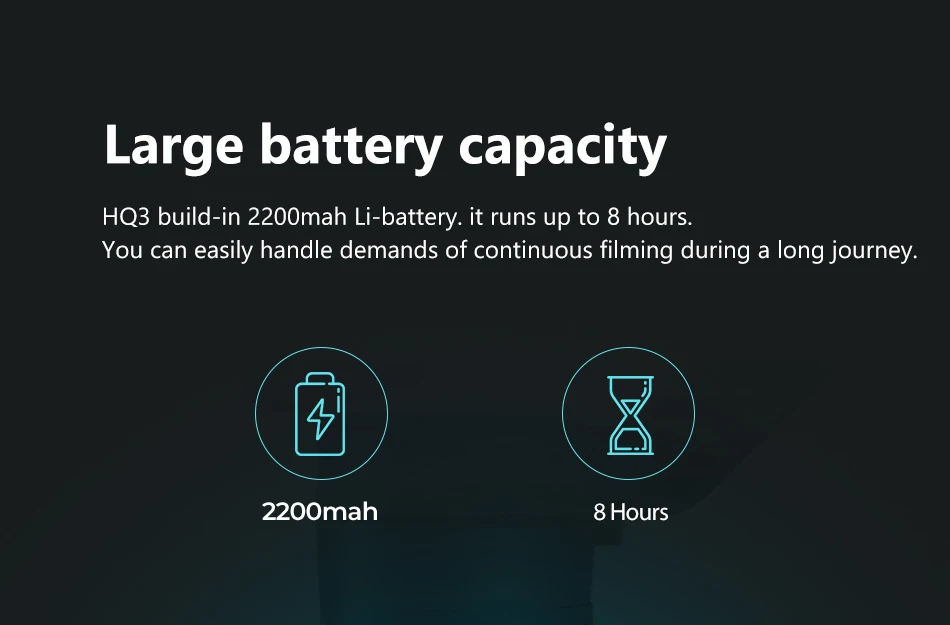
Large battery capacity
HQ3 build-in 2200mah Li-battery. it runs up to 8 hours.You can easily handle demands of continuous filming during a
long journey